
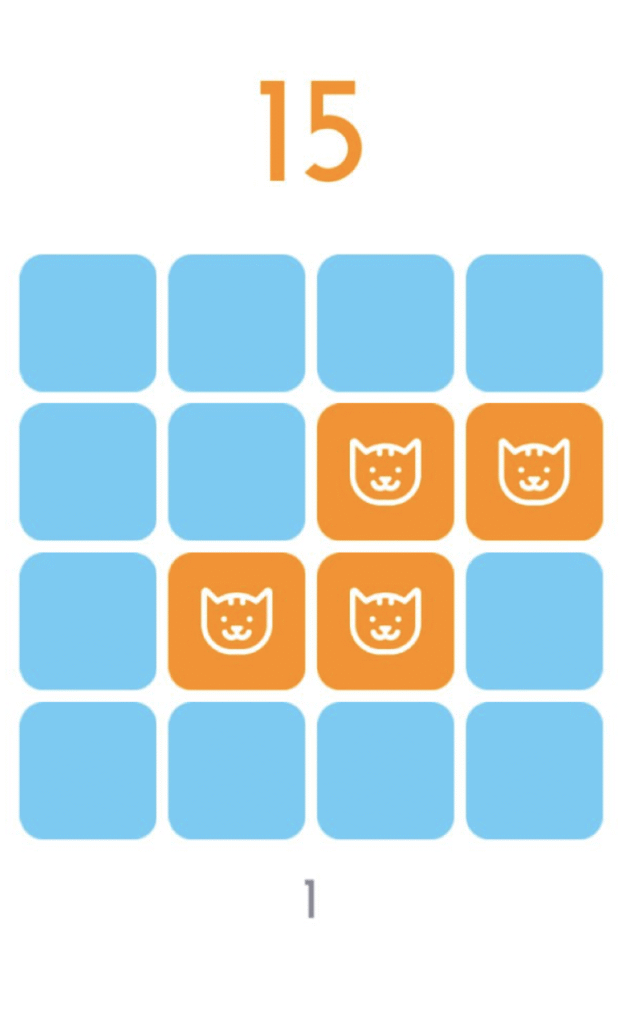
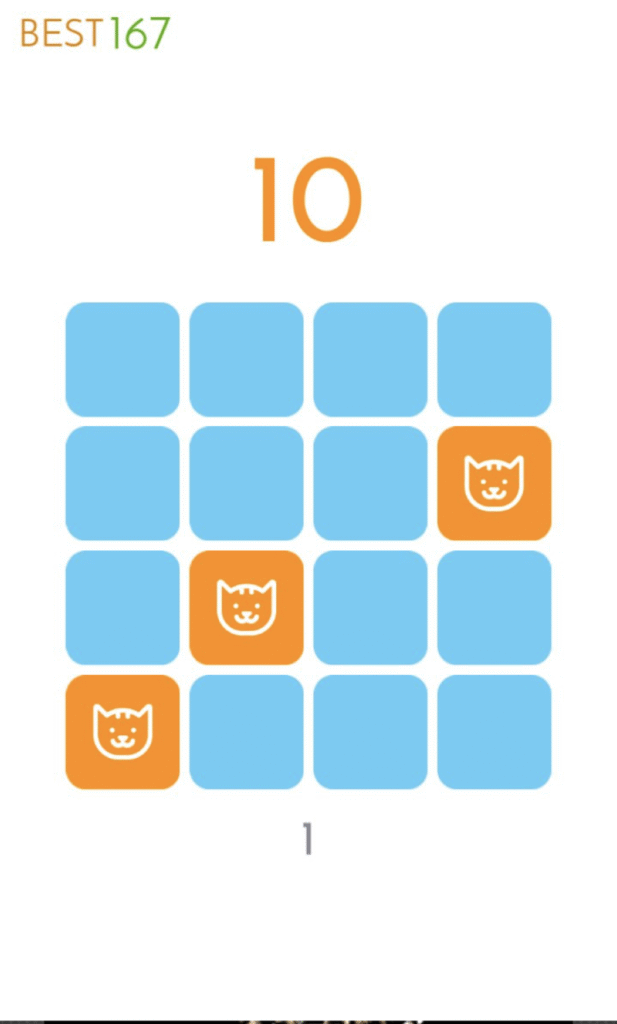
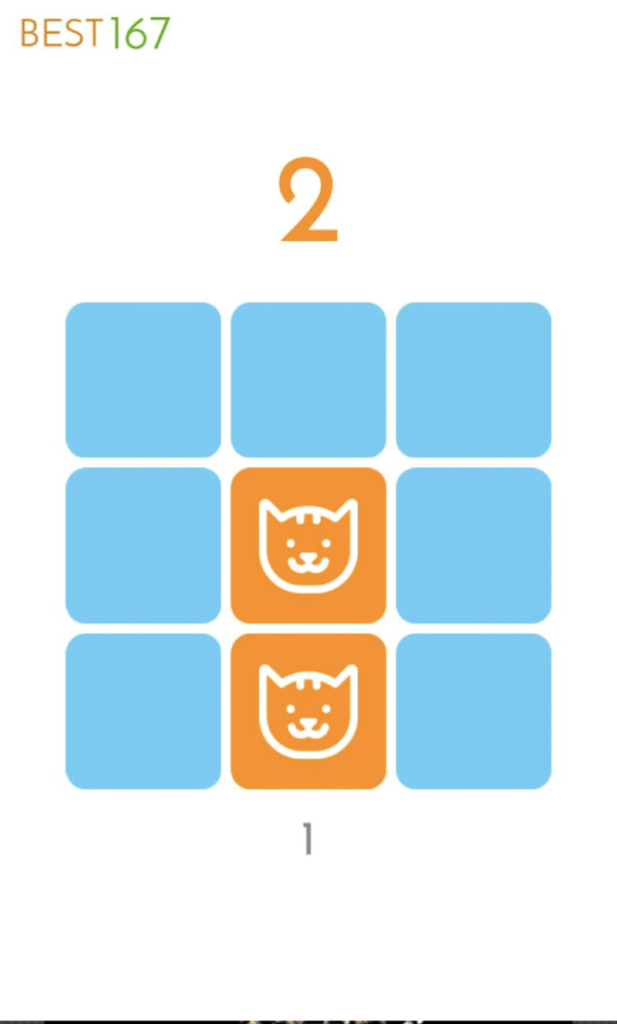
Deliver a premium brain-training game without building systems from scratch. Brain100_Premium is a Unity project focused on a clean memory-puzzle mechanic: briefly reveal icons on a grid, memorize, then tap to match positions as the grid scales from easy to expert. The template ships with multiple grid sizes (3×3, 4×4, 5×5, 6×6), built-in progression, and monetization features.

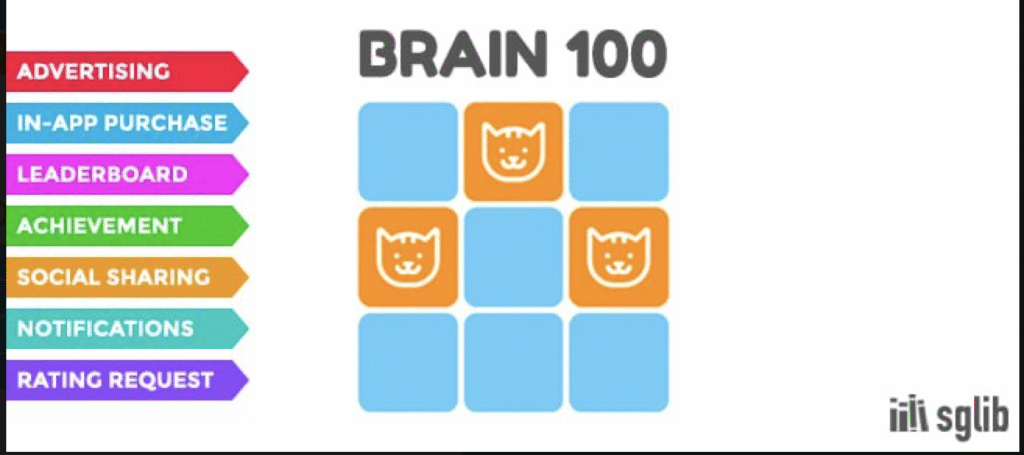
What’s Included
- Complete Unity project with scenes, prefabs, and scripts.
- 100 puzzle levels across four grid sizes for natural difficulty progression.
- Puzzle manager system with level flow, unlocks, and scoring.
- Demo UI for menus, results, and leaderboards.
- Integrated monetization features: ads, IAP, native share, and push notifications.
- Clear documentation for quick setup and customization.
Key Features
- 100 Premium Puzzles: Logic and memory-based challenges tuned for casual play.
- Grid Scaling: Start at 3×3 and progress up to 6×6 for higher difficulty.
- Mobile-First Polish: Built-in leaderboards, achievements, ad networks, and IAP options.
- Lightweight & Smooth: Runs efficiently on most devices.
- Ready-to-Publish: Comes with demo content and integrations for fast deployment.
Tech Specs
- Engine baseline: Unity 2017.4+ (latest package v1.3.0).
- Platforms: Android, iOS (primary), desktop and WebGL possible.
- Content scale: 100 puzzle stages at launch.
- Package size: Lightweight source code under 10 MB; game build size depends on assets.
- Monetization hooks: Ads, IAP, leaderboards, achievements, push notifications.
How to Open & Build
- Install Unity: Use Unity Hub with version 2017.4+ or newer LTS.
- Open project root: Let Unity import all assets and scripts.
- Run the demo: Load the main menu scene and press Play to test puzzles.
- Configure services: Replace demo IDs for ads, IAP, and notifications with your own.
- Build: Export for Android or iOS, test on physical devices, and adjust performance settings.
Gameplay & Design Deep-Dive
- Puzzle Flow: Reveal → memorize → match. The grid grows as players advance.
- Difficulty Curve: 3×3 boards start simple; 6×6 boards push focus and memory limits.
- Scoring: Award points for accuracy, time efficiency, and streaks.
- Replay Value: Endless replayability from randomized icon layouts.
- Progression: Built-in unlock system keeps players motivated to reach harder grids.
Customization Ideas
- Theme Swap: Replace icons with emojis, symbols, or branded graphics.
- Modes: Add Time Attack, Zen, or Daily Challenge variations.
- Power-Ups: Hints, extended reveal time, or retries.
- Progression Map: Introduce a world map or milestones after sets of puzzles.
- Monetization Extensions: Offer cosmetic packs or hint bundles via IAP.
QA & Performance Checklist
- Test ads and IAP purchases with sandbox accounts before release.
- Confirm push notifications function correctly on both iOS and Android.
- Check scaling on devices with notch or punch-hole displays.
- Optimize reveal and hide animations to avoid frame stutter.
- Verify leaderboard sign-in and achievement unlocking.
FAQs
Which Unity version is required?
The project was built with Unity 2017.4+ and works in newer LTS versions after re-import.
Can I reskin and publish it?
Yes—replace art and audio, add branding, and configure your service IDs.
Is it beginner-friendly?
Yes. The scripts are compact, inspector-driven, and documented.
Does it support push notifications?
Yes, OneSignal push integration is included.
Conclusion
Brain100_Premium is a complete memory-training game template—tight loop, scalable difficulty, and integrations for ads, IAP, leaderboards, and push notifications. You can rebrand quickly, adjust reveal times and grid sizes, and publish a polished brain-training app with minimal setup.
Open the project, run the main menu scene, configure your monetization services, and you’ll be ready to launch a premium puzzle game of your own.