
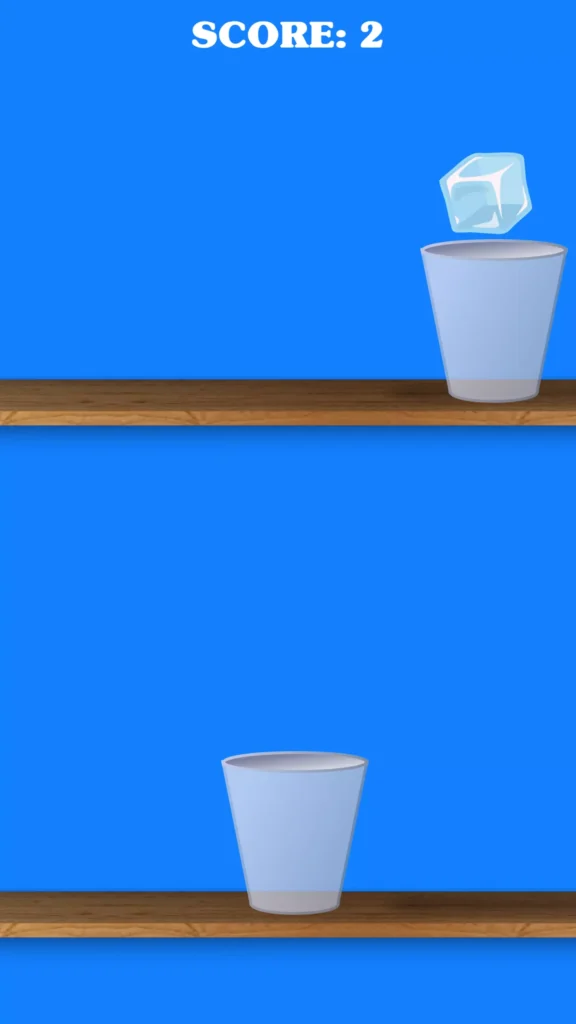
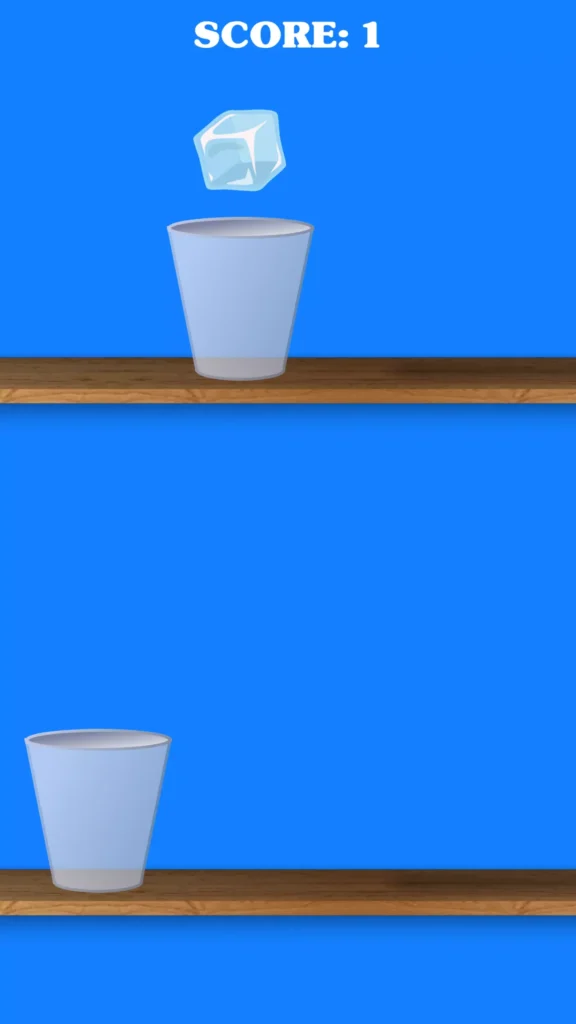
Ice Cube Jump is a simple one-touch endless Unity game where the player jumps an ice cube from one glass to another and tries to climb as high as possible.
The goal is to keep moving upward without missing a glass while collecting a higher score. The game becomes more difficult as the player progresses, making timing and accuracy increasingly important.
The project is designed as a complete hyper-casual game template with simple controls, endless gameplay, multi-platform support, and easy reskinning.
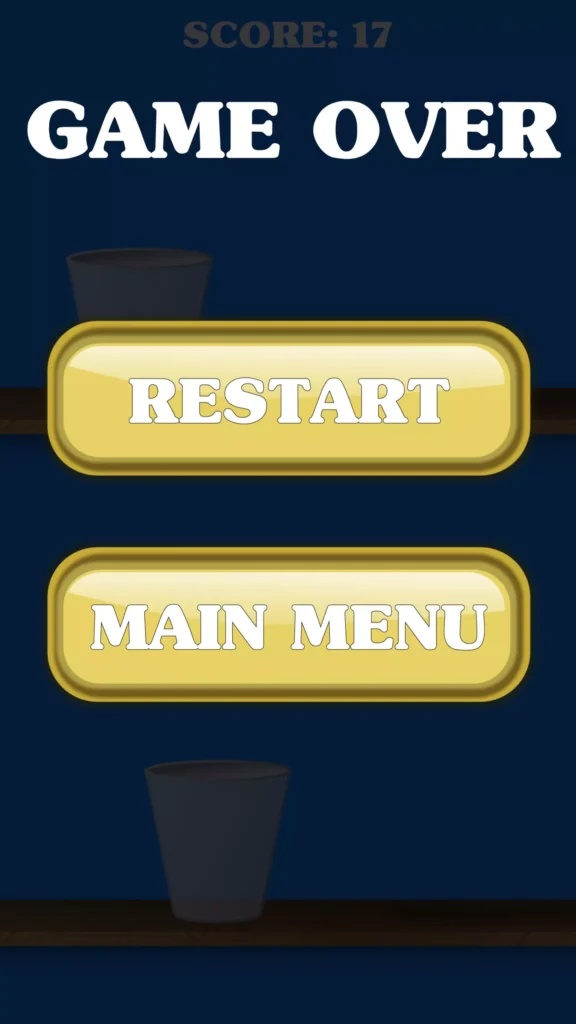

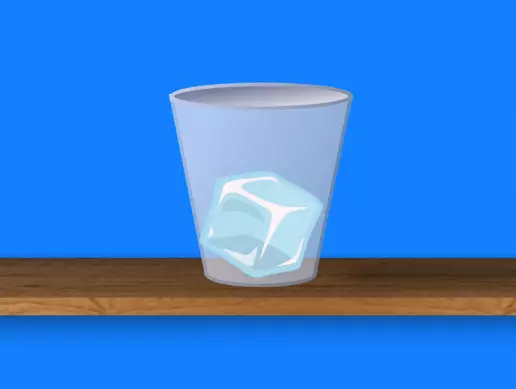
Game Overview
Ice Cube Jump uses a very simple arcade concept.
The player controls an ice cube and must jump from glass to glass. Each successful jump moves the cube higher and increases the player’s progress.
The challenge is judging the correct moment to jump. Missing the next glass can end the current run.
The gameplay includes:
- Endless progression
- One-touch controls
- Glass-to-glass jumping
- Increasing difficulty
- High-score gameplay
- Quick reaction challenges
- Simple hyper-casual mechanics
The publisher describes the game as endless, with the difficulty increasing as the player continues.
How to Play
- Start the game.
- Watch the position of the next glass.
- Tap to launch the ice cube.
- Land safely inside the next glass.
- Continue moving upward.
- Build a higher score with successful jumps.
- Adjust your timing as the game becomes harder.
- Keep playing until you miss a landing.
The updated publisher listing confirms that the project uses one-touch controls.
Endless Jumping Gameplay
Ice Cube Jump does not depend on a fixed set of traditional levels. The main game continues for as long as the player successfully keeps the ice cube moving upward.
This endless structure works well for casual gameplay because players can quickly restart and try to improve their previous result.
Developers can adjust the difficulty by changing values such as:
- Jump strength
- Glass spacing
- Game speed
- Landing area
- Obstacle positions
- Score values
- Difficulty progression
One-Touch Controls
The simple one-touch control system is one of the main features of the project.
Players do not need complicated movement buttons or joysticks. The main challenge comes from timing each jump correctly.
This makes the project suitable for:
- Mobile games
- Hyper-casual games
- Short gaming sessions
- Browser games
- Simple arcade projects
Key Features
- Complete Unity game project
- Endless hyper-casual gameplay
- Jump from glass to glass
- One-touch controls
- High-score challenge
- Increasing difficulty
- Simple arcade gameplay
- Easy to reskin
- Multi-platform support
- Android support
- iOS support
- WebGL support
- PC support
- Lightweight project
- Suitable for beginner Unity developers
Easy to Customize and Reskin
The publisher specifically describes Ice Cube Jump as easy to reskin.
Developers can customize elements such as:
- Game title
- App icon
- Ice cube design
- Glass graphics
- Background
- Colors
- User interface
- Buttons
- Fonts
- Sound effects
- Score display
The same gameplay system could also be adapted into themes such as:
- Ball Jump
- Candy Jump
- Fruit Jump
- Space Jump
- Neon Cube Jump
- Water Drop Jump
Technical Details
| Detail | Information |
|---|---|
| Game Engine | Unity |
| Game Type | Endless / Hyper Casual |
| Main Gameplay | Jump from one glass to another |
| Controls | One-touch |
| Difficulty | Increases during gameplay |
| Unity Asset Store Version | 1.0 |
| Original Unity Version | Unity 5.6.6 or higher |
| Asset Store File Size | 1.2 MB |
| Original Release Date | October 29, 2018 |
| Updated Fab Version | Unity 2022.x minimum |
| Updated Package Size | About 1.17 MB |
| Platforms | PC, WebGL, Android, iOS and others |
| Reskinning | Supported |
The original Unity Asset Store release was created for Unity 5.6.6 or higher, while the newer Fab version lists Unity 2022.x as its minimum compatible editor. The correct Unity version therefore depends on which package version you are using.
What You Will Get
The package provides the systems required for the existing Ice Cube Jump gameplay, including:
- Complete Unity project
- Ice cube jumping system
- Endless progression
- Glass platforms
- One-touch input
- Score-based gameplay
- Existing game graphics
- Game scenes
- Editable project files
The publisher describes the project as a fully functional game that is ready to customize further.
Suggested Improvements
The basic game can be expanded with useful features such as:
- Best-score saving
- Different ice cube skins
- Coin collection
- New glass designs
- Daily rewards
- Leaderboards
- Achievements
- Different backgrounds
- Rewarded continue
- Sound and music settings
- Unlockable themes
Advertising or in-app purchases can also be added if needed. The listings reviewed do not clearly confirm that a monetization SDK is included in the standalone project.
Frequently Asked Questions
Is Ice Cube Jump an endless game?
Yes. The game continues while the player successfully moves the ice cube upward, and the difficulty increases over time.
What is the main objective?
The goal is to jump the ice cube upward from one glass to another and score as many points as possible.
Does it use one-touch controls?
Yes. The newer publisher listing confirms one-touch controls.
Can I reskin the game?
Yes. The project is described as easy to reskin.
Which Unity version should I use?
The original Asset Store version lists Unity 5.6.6 or higher, while the newer Fab release lists Unity 2022.x as the minimum compatible version.
Can I publish it for mobile or WebGL?
The newer listing identifies PC, WebGL, Android, and iOS among its supported platforms.
Download Ice Cube Jump Unity Source Code
Ice Cube Jump is a lightweight Unity project built around simple one-touch endless gameplay.
Jump the ice cube from glass to glass, climb higher, improve the score, customize the graphics, and create your own version of this hyper-casual game for mobile, WebGL, PC, or other supported Unity platforms.
Download Ice Cube Jump Unity source code and start creating your customized jumping game.