
Soccer Ball Finger Juggling is a simple 2D Unity sports game where the player taps or flicks a soccer ball to keep it in the air and build the highest possible score.
The objective is straightforward: keep juggling the football without allowing the run to end. Every successful juggle adds +1 point to the player’s score. The challenge is maintaining control of the ball and continuing the juggling streak for as long as possible.
The project provides a lightweight mobile-ready gameplay concept that can be customized, reskinned, and expanded into a more complete football or hyper-casual sports game.
Game Overview
Soccer Ball Finger Juggling focuses on quick, skill-based football juggling gameplay.
The player interacts directly with the soccer ball using simple touch controls. Each successful touch keeps the ball moving and increases the score.
The longer the player keeps the ball under control, the higher the score becomes.
According to the original project description, every successful juggle awards one point. Contact with the wall resets the score to zero, creating a simple risk-and-reward challenge.
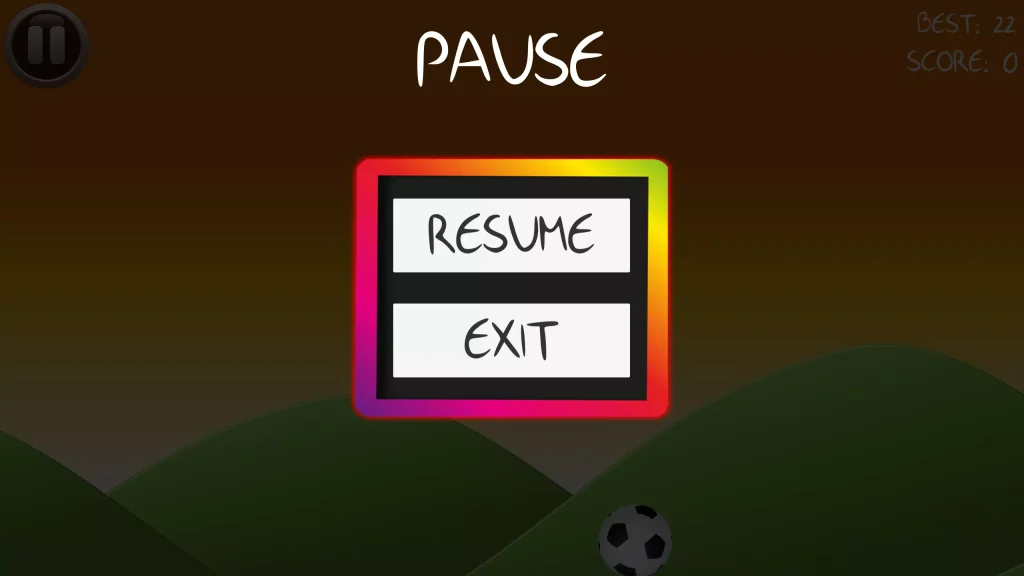

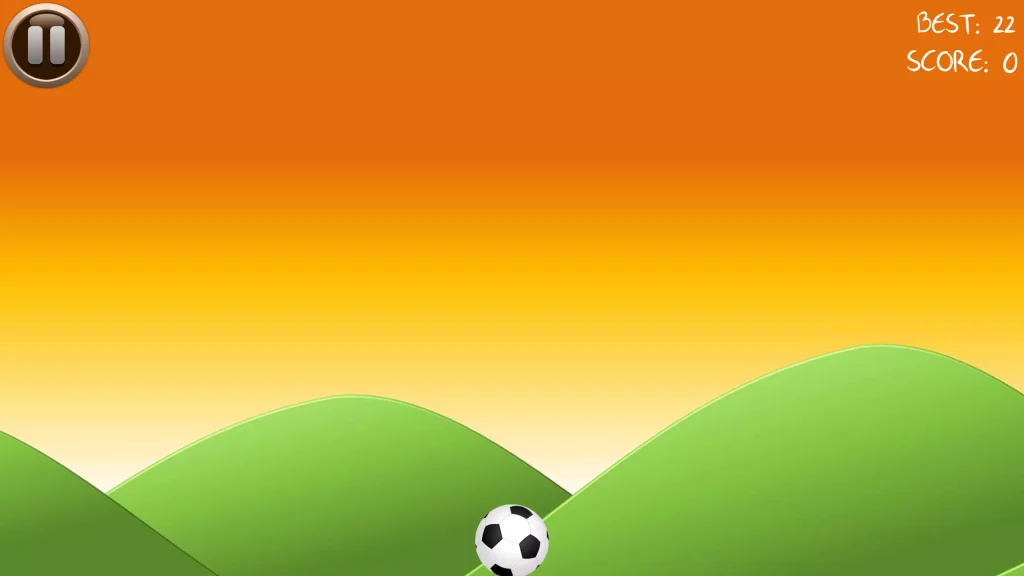
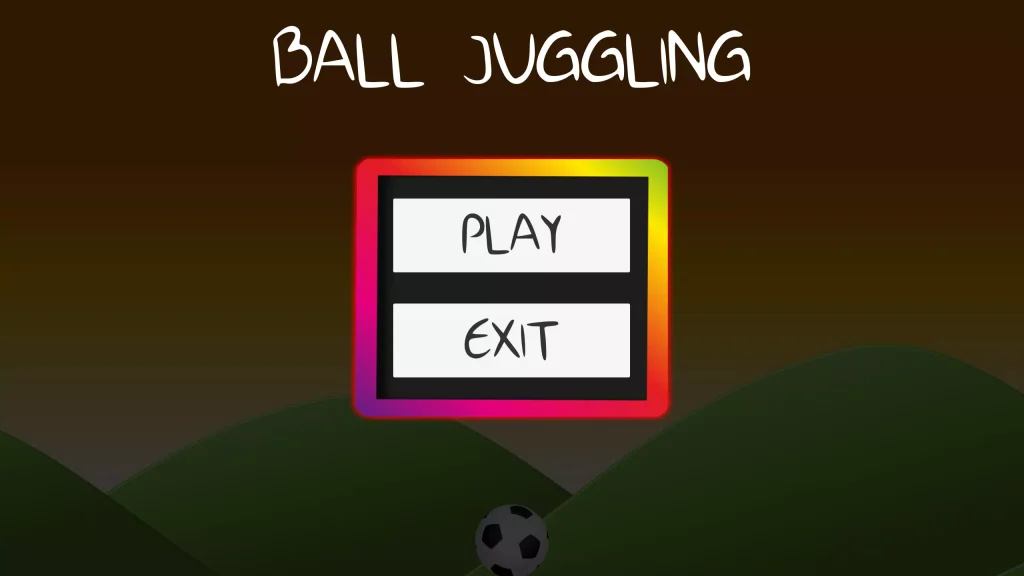
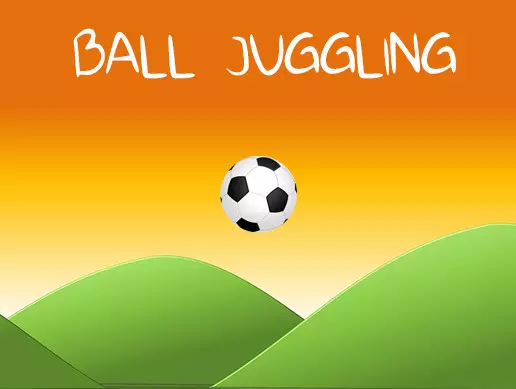
The gameplay combines:
- Soccer ball juggling
- One-touch controls
- Score-based progression
- Endless gameplay
- Quick reaction mechanics
- Football-themed visuals
- Simple mobile controls
- Hyper-casual sports gameplay
How to Play
Playing Soccer Ball Finger Juggling is simple:
- Start the game.
- Tap or flick the soccer ball.
- Keep the ball juggling in the play area.
- Earn +1 point for every successful juggle.
- Maintain control of the ball.
- Avoid hitting the wall.
- Continue juggling for as long as possible.
- Try to beat your previous high score.
The controls are easy to understand, while maintaining a long juggling streak requires concentration and accurate timing.
Soccer Ball Juggling Gameplay
The main gameplay mechanic revolves around continuously juggling a soccer ball.
Each interaction with the ball keeps the current run going. Successful juggling increases the player’s score one point at a time.
There are no complicated missions or long tutorials required to understand the basic objective.
Players can immediately begin playing and concentrate on improving their score.
This makes the game suitable for short mobile gaming sessions where players can repeatedly attempt to beat their previous performance.
Score System
Scoring is directly connected to successful ball juggling.
Every juggle gives the player +1 score. This creates an easy-to-understand progression system where better ball control produces a higher score.
The scoring mechanic encourages players to:
- Improve their timing
- Maintain longer juggling streaks
- Control the football more accurately
- Avoid unnecessary mistakes
- Challenge their previous score
A simple score system also makes the project easy to expand with high scores, achievements, leaderboards, and rewards.
Wall Collision Challenge
The wall acts as an important danger during gameplay.
The original game mechanic resets the player’s score to 0 when the soccer ball hits the wall.
This means the player cannot simply keep the ball moving without control.
Players need to pay attention to the direction and position of the football while continuing to juggle it.
The mechanic adds an additional challenge to an otherwise simple one-touch game.
Simple Touch Controls
Soccer Ball Finger Juggling uses a simple interaction system designed around tapping or flicking the ball.
This makes the game easy for new players to understand.
Simple touch mechanics are especially suitable for mobile games because the player can concentrate on timing instead of learning complicated controls.
The basic mechanic can also be customized to change:
- Ball movement strength
- Touch sensitivity
- Ball physics
- Gravity
- Bounce behavior
- Juggling difficulty
- Game speed
These adjustments can significantly change how the game feels without replacing the core concept.
Endless High-Score Gameplay
The project is built around repeating score attempts rather than traditional level progression.
The player’s main goal is to keep the soccer ball under control and achieve the highest score possible.
This type of gameplay encourages repeated attempts because every run gives the player another chance to improve.
Developers can expand the high-score system by adding:
- Personal best scores
- Global leaderboards
- Daily challenges
- Score milestones
- Achievement rewards
- Unlockable soccer balls
- Competitive events
Key Features
- Complete Unity game project
- 2D soccer juggling gameplay
- Simple tap and flick controls
- Football-themed game concept
- +1 score for successful juggling
- Wall collision penalty
- Endless score-based gameplay
- Mobile-friendly controls
- Quick restart gameplay
- Lightweight project structure
- Simple sports game mechanics
- Easy-to-understand gameplay
- Suitable for customization
- Suitable for reskinning
- Ready-made Unity gameplay foundation
The original developer describes the template as a fully functional and mobile-ready game project.
Technical Details
| Detail | Information |
|---|---|
| Game Engine | Unity |
| Game Type | Sports / Hyper-Casual |
| Gameplay Style | Soccer Ball Juggling |
| Perspective | 2D |
| Main Objective | Juggle the ball and increase the score |
| Controls | Tap / Flick |
| Scoring | +1 for each successful juggle |
| Penalty | Score resets when the ball hits the wall |
| Latest Asset Version | 1.0 |
| Original Unity Version | Unity 5.6.6 |
| Unity Asset Store File Size | 929.9 KB |
| Asset Store Release Date | September 17, 2018 |
The Unity Asset Store currently lists the package as version 1.0, with an original Unity version of 5.6.6, a file size of 929.9 KB, and a release date of September 17, 2018.
Because the project was originally created using an older Unity version, keeping a backup before upgrading it to a newer Unity release is recommended.
Easy to Customize
Soccer Ball Finger Juggling provides a simple foundation that can be transformed into different sports or juggling games.
Developers can customize elements such as:
- Soccer ball design
- Background
- Football field
- Game UI
- Score display
- Wall graphics
- Sound effects
- Music
- Ball physics
- Touch sensitivity
- Menus
- Game-over screen
Changing the graphics and presentation can give the project a completely different identity while preserving the main juggling mechanic.
Reskin Ideas
The existing gameplay can be adapted into several different game concepts.
Possible reskin ideas include:
- Football Juggling Challenge
- Soccer Kick Master
- Keep The Ball Up
- Street Football Juggling
- Neon Soccer Juggle
- World Football Challenge
- Basketball Juggling
- Beach Ball Juggling
- Freestyle Football
- Football Skill Challenge
- Soccer Tap Challenge
- Ball Control Master
Developers can replace the ball, background, user interface, sounds, and effects to create a unique version.
Suggested Improvements
The basic project can also be expanded with additional features.
Possible improvements include:
- High-score saving
- Online leaderboards
- Multiple soccer balls
- Unlockable skins
- Coin collection
- Daily rewards
- Achievement system
- Ball trails
- Particle effects
- Combo scoring
- Score multipliers
- Different football fields
- Difficulty modes
- Missions
- Challenges
- Rewarded ads
- Sound effects
- Background music
- Updated menus
- Modern mobile UI
These additions can turn the basic juggling template into a more complete mobile sports game.
Add Different Soccer Balls
One useful expansion would be an unlockable football system.
Players could collect coins or reach score milestones to unlock different ball designs.
Possible ball styles include:
- Classic black-and-white football
- Gold soccer ball
- Neon football
- Fire ball
- Country-themed footballs
- Club-inspired colors
- Retro leather ball
- Futuristic soccer ball
Unlockable cosmetic items can give players additional goals beyond simply improving their score.
Add Combo Scoring
The original scoring system awards one point for each successful juggle.
Developers can expand this mechanic by introducing combos.
For example, longer uninterrupted juggling streaks could activate:
- 2x score
- 3x score
- Perfect juggle bonuses
- Special visual effects
- Bonus coins
- Achievement rewards
A combo system can make long juggling streaks feel more rewarding.
Add Different Environments
The football juggling mechanic can work across multiple visual environments.
Possible environments include:
- Football stadium
- Street football court
- Training ground
- Beach
- Indoor arena
- Rooftop
- Neon arena
- School playground
Different backgrounds can be unlocked as the player progresses or selected from a customization menu.
Why This Project Is Useful
Soccer Ball Finger Juggling provides a straightforward example of a touch-controlled sports game in Unity.
Developers can use the project to study or customize gameplay concepts such as:
- Touch input
- Ball movement
- Physics-based interaction
- Collision detection
- Score tracking
- Endless game flow
- Game-over conditions
- Mobile sports gameplay
The simple concept also makes it suitable as a starting point for developers who want to build a small football-themed or hyper-casual mobile game.
Mobile-Ready Game Concept
The project was specifically presented as a mobile-ready game template, while a related released version of the game is available for Android.
Its simple touch-based gameplay naturally fits smartphones and tablets.
Developers upgrading the original Unity project should still test controls, resolution scaling, APIs, plugins, and build settings on their intended modern Android or iOS versions before release.
FAQs
What is Soccer Ball Finger Juggling?
Soccer Ball Finger Juggling is a 2D Unity sports game where players tap or flick a soccer ball to keep it juggling and increase their score.
How do you play the game?
Tap the soccer ball to keep it in the air. Each successful juggle gives the player one additional score point.
How does the scoring system work?
The player receives +1 score for every successful juggle.
What happens when the ball hits the wall?
The player’s score resets to 0 when the soccer ball hits the wall.
Is the game endless?
The gameplay is designed around continuing the juggling attempt and building the highest possible score rather than completing traditional levels.
Can the project be customized?
Yes. Developers can customize the soccer ball, background, user interface, physics, sounds, score system, difficulty, and other visual or gameplay elements.
Which Unity version was originally used?
The Unity Asset Store lists Unity 5.6.6 as the original Unity version.