
Throw The Hand Grenade is a simple physics-based Unity game where the player uses touch controls to swing and launch a grenade as far as possible.
The objective is to build momentum, release the grenade at the right moment, and achieve the longest possible throwing distance. The simple one-touch concept makes the game easy to understand while leaving plenty of room for players to improve their timing.
The original Unity Asset Store package is presented as a complete, mobile-ready project that is easy to reskin and customize.
Game Overview
Throw The Hand Grenade focuses on a straightforward distance-throwing challenge.
The player controls the throw using a finger-based swinging mechanic. Building the correct momentum and releasing at the right time determines how far the grenade travels.
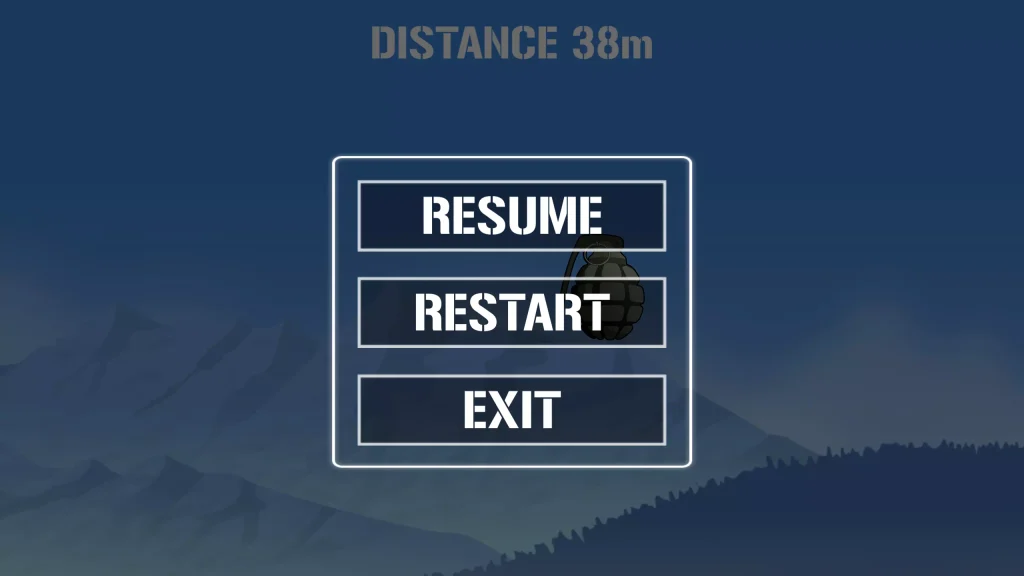

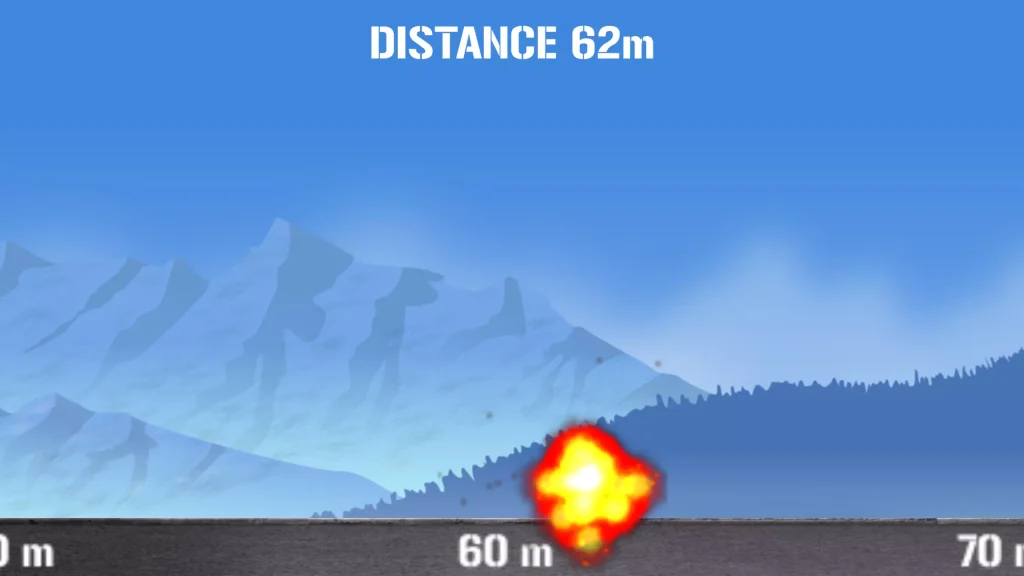
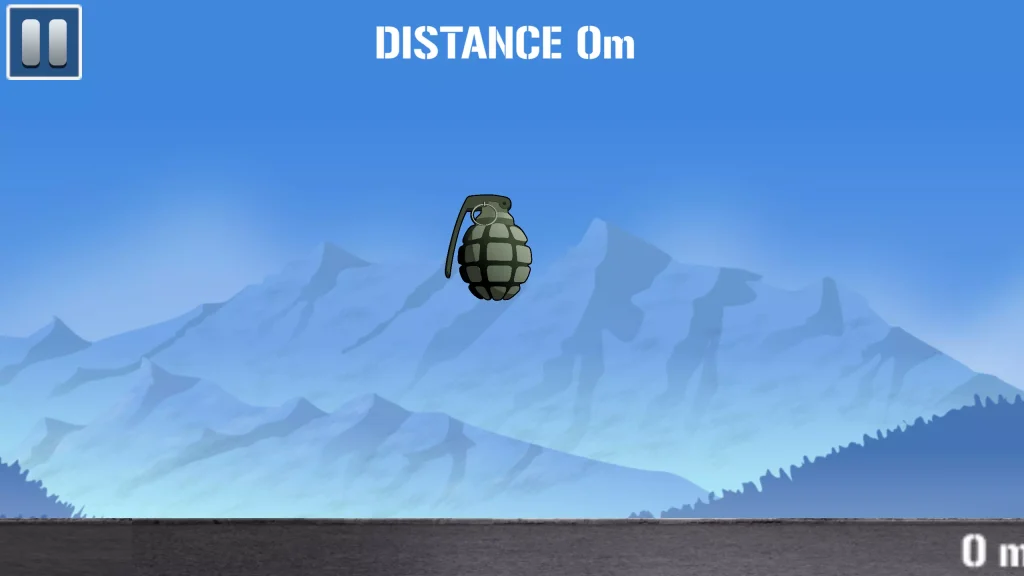
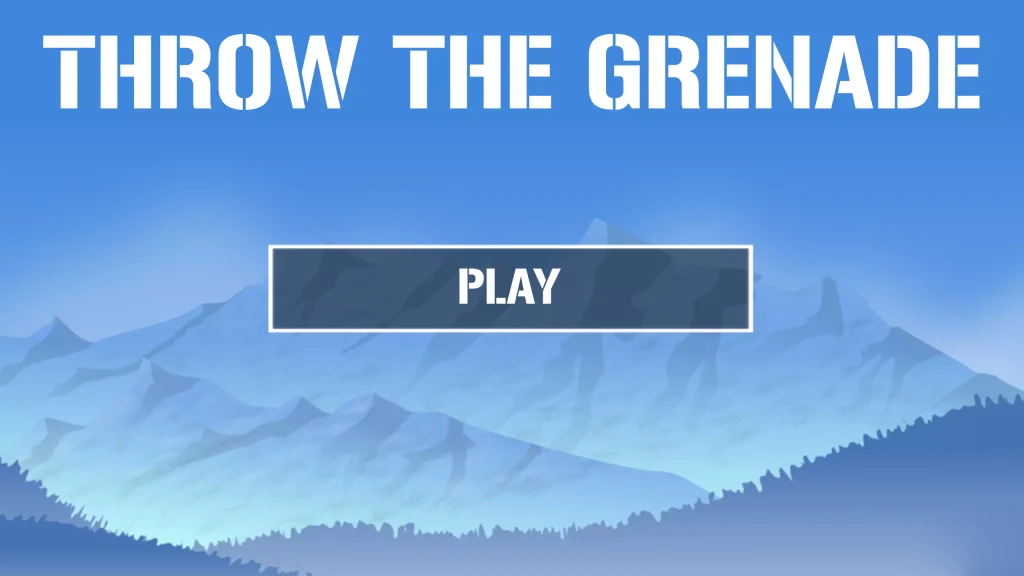
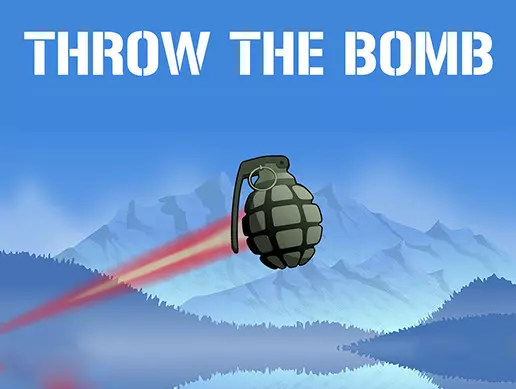
The main gameplay combines:
- Physics-based throwing
- Finger-controlled swinging
- Distance-based gameplay
- Simple touch controls
- Projectile movement
- Quick replay sessions
- Mobile-friendly mechanics
- Casual arcade gameplay
The goal is simple: throw the grenade as far as possible and improve your previous performance.
How to Play
Playing Throw The Hand Grenade is easy:
- Start the game.
- Touch and control the grenade.
- Swing it using your finger.
- Build enough momentum.
- Release at the correct moment.
- Watch the grenade travel through the environment.
- Check the throwing distance.
- Restart and try to beat your previous attempt.
The basic controls are simple, but achieving a longer distance depends on timing and how effectively the player builds momentum before release.
Swing and Throw Gameplay
The main mechanic revolves around swinging the grenade before releasing it.
Instead of pressing a traditional throw button, the player interacts directly with the object using touch input.
The player swings the grenade and then releases it to launch the projectile forward. The original project description specifically describes the gameplay as using your finger to swing and throw the grenade as far as possible.
This creates an interactive arcade mechanic that works naturally on mobile devices.
Distance-Based Challenge
Distance is the main measure of player performance.
A better throw sends the grenade farther across the environment. Players can repeatedly attempt the challenge and try to improve their throwing technique.
The distance-based design encourages players to experiment with:
- Swing speed
- Release timing
- Throwing angle
- Momentum
- Touch movement
- Launch consistency
Small differences in timing can change the outcome of each attempt.
Physics-Based Projectile Movement
The throwing mechanic gives the project a physics-oriented gameplay foundation.
Once released, the grenade behaves like a projectile traveling through the game environment.
This creates opportunities for developers to customize variables such as:
- Throwing force
- Gravity
- Projectile weight
- Launch angle
- Drag
- Bounce behavior
- Movement speed
- Camera tracking
Adjusting these settings can make the game feel more realistic, exaggerated, arcade-like, or completely different from the original concept.
Simple Mobile Controls
The game is designed around direct finger interaction.
Players do not need complicated virtual joysticks or multiple action buttons. The main interaction involves swinging and releasing the grenade.
This control style makes the project suitable for casual mobile gameplay.
The original developer describes the package as mobile ready.
Quick Replay Gameplay
Throw The Hand Grenade works well as a short-session arcade game.
Each attempt can be completed quickly, allowing players to restart and immediately try another throw.
This creates a repeatable gameplay loop:
Swing → Release → Travel → Measure Distance → Try Again
The loop is easy to understand and can be expanded with progression systems, rewards, challenges, or competitive elements.
Key Features
- Complete Unity game project
- Physics-based throwing gameplay
- Finger-controlled swinging mechanic
- Simple touch interaction
- Distance-based scoring concept
- Projectile movement
- Quick gameplay sessions
- Mobile-ready game structure
- Casual arcade mechanics
- Easy-to-understand objective
- Easy to customize
- Easy to reskin
- Ready-made gameplay foundation
- Suitable for mobile game development
The original Unity Asset Store description identifies the package as a fully functional game project that was prepared for release.
Technical Details
| Detail | Information |
|---|---|
| Game Engine | Unity |
| Game Type | Casual / Arcade |
| Main Mechanic | Swing and Throw |
| Gameplay Goal | Throw as far as possible |
| Controls | Finger / Touch |
| Gameplay Style | Physics-Based Distance Challenge |
| Platform Focus | Mobile |
| Latest Asset Version | 1.0 |
| Original Unity Version | Unity 5.6.6 |
| File Size | 5.2 MB |
| Asset Store Release Date | September 14, 2018 |
The Unity Asset Store currently lists the project as version 1.0, with an original Unity version of 5.6.6, a 5.2 MB package size, and a release date of September 14, 2018.
Because the original package was created with an older Unity version, developers should keep a backup before upgrading the project to a modern Unity release.
Easy to Customize
Throw The Hand Grenade provides a simple gameplay foundation that can be modified without replacing the entire game concept.
Developers can customize:
- Main throwable object
- Environment
- Background
- Ground
- User interface
- Distance display
- Physics values
- Throwing power
- Camera movement
- Sound effects
- Particle effects
- Menus
- Game-over screen
- Visual effects
The original developer also describes the project as easy to reskin.
Reskin Ideas
The throwing mechanic can be reused for many different arcade concepts.
Possible reskin ideas include:
- Cannon Ball Throw
- Hammer Toss
- Rock Throw Challenge
- Space Object Launcher
- Football Distance Kick
- Snowball Throw
- Fruit Launcher
- Robot Throw Challenge
- Monster Toss
- Superhero Power Throw
- Fantasy Potion Toss
- Cartoon Projectile Challenge
Replacing the throwable object and environment can create an entirely different game while keeping the basic swing-and-release mechanic.
Add a High Score System
A high-score system would work naturally with the distance-based gameplay.
The game could save the player’s longest throw and display it during future attempts.
Possible statistics include:
- Current distance
- Best distance
- Total throws
- Average distance
- Longest throw
- Daily best
- Personal record
Showing the player’s previous best can encourage repeated attempts.
Add Coins and Rewards
Developers can expand the project with a coin or reward system.
Players could earn coins based on throwing distance.
For example, longer throws could provide larger rewards.
Coins could then be used to unlock:
- New throwable objects
- Character skins
- Environments
- Visual effects
- Trails
- Special animations
- Different themes
This would add progression beyond simply trying to achieve a longer throw.
Add Distance Milestones
Distance milestones can give players additional objectives.
Different rewards or effects could activate when the projectile reaches specific distances.
Possible milestone concepts include:
- Bronze distance
- Silver distance
- Gold distance
- Record distance
- Extreme distance
- Perfect throw
Developers could also place visual markers throughout the environment so players can immediately see how far their throw has traveled.
Add Different Environments
The original concept can be expanded with multiple environments.
Possible locations include:
- Military-style training ground
- Desert
- Snow environment
- City
- Forest
- Island
- Cartoon landscape
- Space environment
- Neon world
- Sports stadium
Each environment can use the same core throwing mechanic while giving players a different visual experience.
Add Unlockable Objects
The throwable object does not have to remain the same throughout the game.
Developers can add a collection of unlockable objects with different visual styles.
Possible additions include:
- Sports balls
- Cartoon bombs
- Rocks
- Futuristic objects
- Energy spheres
- Fantasy items
- Toys
- Sci-fi projectiles
Different objects could also have unique physics properties to create additional gameplay variety.
Add Power Upgrades
An upgrade system could allow players to improve their throwing performance.
Possible upgrades include:
- Throw power
- Launch speed
- Momentum
- Air time
- Bounce
- Distance multiplier
- Coin multiplier
Upgrades can create a stronger progression loop and give players a reason to continue playing.
Add Visual Effects
Visual feedback can make each successful throw feel more satisfying.
Developers can add effects such as:
- Motion trails
- Impact particles
- Camera shake
- Distance popups
- Launch effects
- Ground impact effects
- Screen transitions
- Slow-motion moments
These effects can make the simple throwing mechanic feel more polished.
Suggested Improvements
The project can be expanded with modern mobile game features such as:
- High-score saving
- Distance leaderboard
- Unlockable objects
- Coins
- Daily rewards
- Achievement system
- Missions
- Multiple environments
- Character customization
- Upgrade system
- Power-ups
- Combo rewards
- Improved particle effects
- Updated sound effects
- Background music
- Camera effects
- Haptic feedback
- Modern menus
- Improved mobile UI
- Rewarded advertisements
These additions can transform the original simple distance challenge into a more complete casual mobile game.
Why This Project Is Useful
Throw The Hand Grenade provides a simple example of touch-based projectile gameplay in Unity.
Developers can use the project to study or customize systems related to:
- Touch input
- Finger movement
- Physics
- Projectile launching
- Momentum
- Object movement
- Distance calculation
- Camera tracking
- Casual game loops
- Mobile controls
Its straightforward gameplay also makes it suitable for developers who want a base project for creating another physics-based throwing game.
Mobile-Ready Game Concept
The project was originally marketed as a mobile-ready Unity game template.
The finger-based swing mechanic is naturally suited to smartphones and tablets because the player’s touch movement directly controls the main action.
Developers upgrading the project should test modern device resolutions, touch responsiveness, build settings, APIs, and platform compatibility before publishing to Android or iOS.
Ready for Reskinning
One of the biggest advantages of a simple throwing game is how easily the visual concept can be changed.
The core mechanic can remain intact while developers replace:
- Throwable object
- Background art
- Environment
- User interface
- Fonts
- Effects
- Sounds
- Menu design
- Game branding
This allows the same gameplay foundation to support many different visual themes.
FAQs
What is Throw The Hand Grenade?
Throw The Hand Grenade is a Unity arcade game project where the player uses finger controls to swing and throw a grenade as far as possible.
How do you play the game?
The player uses a finger to swing the grenade, builds momentum, and releases it to send the projectile as far as possible.
What is the main objective?
The objective is to achieve the longest possible throw by controlling the swing and release timing.
Is the game designed for mobile devices?
Yes. The original developer describes the project as mobile ready.
Can the project be reskinned?
Yes. The original Unity Asset Store description specifically identifies the project as easy to reskin.
Can I replace the grenade with another object?
Yes. Developers can modify the graphics and gameplay assets to create another physics-based throwing concept while retaining the core mechanic.
Which Unity version was originally used?
The Unity Asset Store lists Unity 5.6.6 as the original Unity version.